

Community
Synthoverse
Posts, music, people, and conversations. Your shared world in Pattalium.
synthoverse.com
AvailableSocial
 Pattalium Network
Favorite a world to keep it close.
Community
Posts, music, people, and conversations. Your shared world in Pattalium.
synthoverse.com
Music studio
Make beats, shape melodies, and arrange complete tracks in your browser. Share your projects on Synthoverse.
music.pattalium.com
Wallet & rewards
Your coin across Pattalium. Open your shared wallet, mine on your device, and explore the PALXN network.
palyxen.com
AI workspace
Chat, research, code, write, and make images with an AI companion in one workspace.
difrxn.com
Independent radio
Tune in to an independent late-night station. You can see what is playing, what comes next, and whether the stream is healthy.
Creator
Elvren Seline's link hub and a handpicked portfolio of their work.
sln.pattalium.com
Hardware & radio
A portrait radio companion that keeps its work local, remembers things, plays games, handles messages, and connects through authenticated Bluetooth and MeshCore.
k32.run
Private AI agents
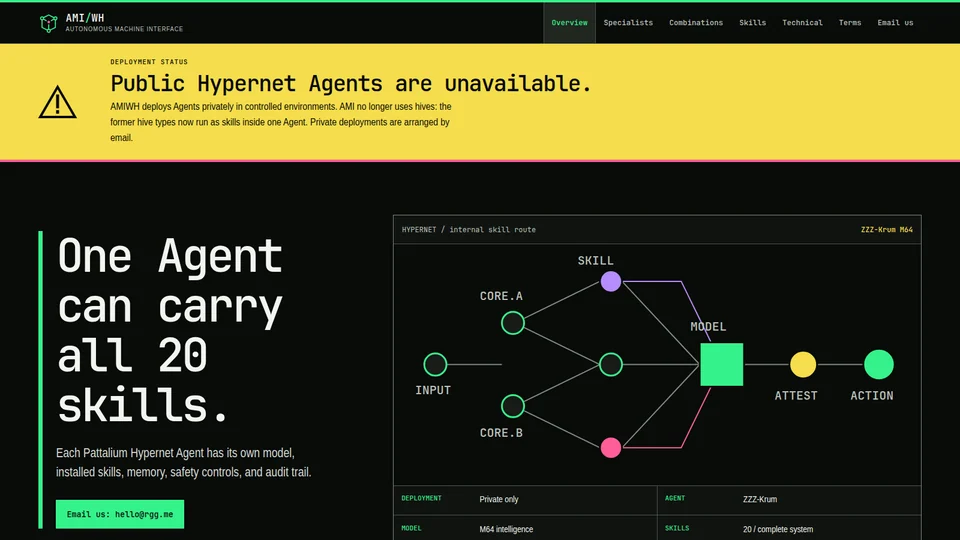
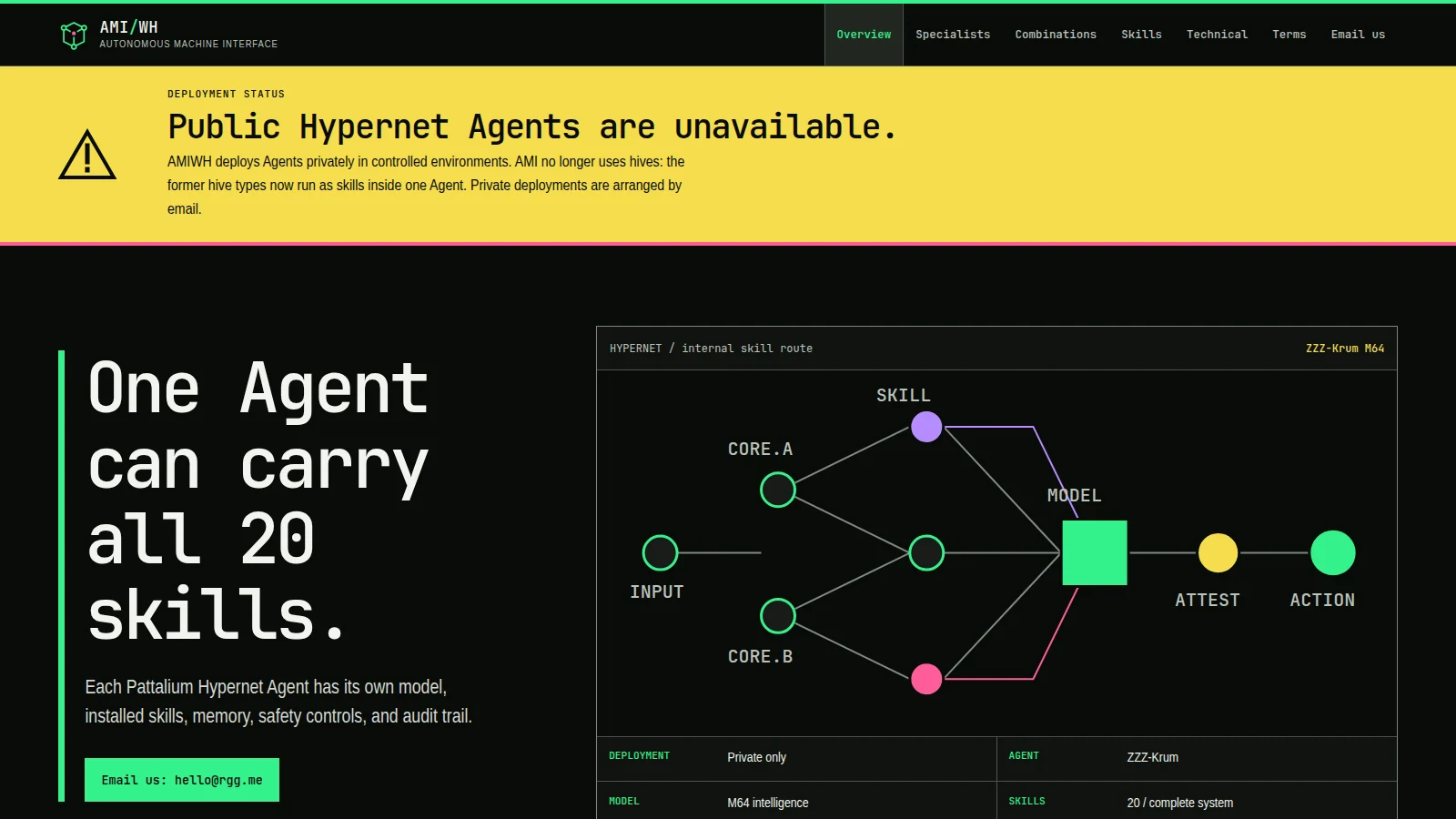
A named Pattalium Hypernet Agent that can combine several skills. Its model number describes its intelligence, and MONARCH checks its work.
amiwh.com
Ai
Turn prompts into art you can keep working with, using a set of image-making tools in one playground.
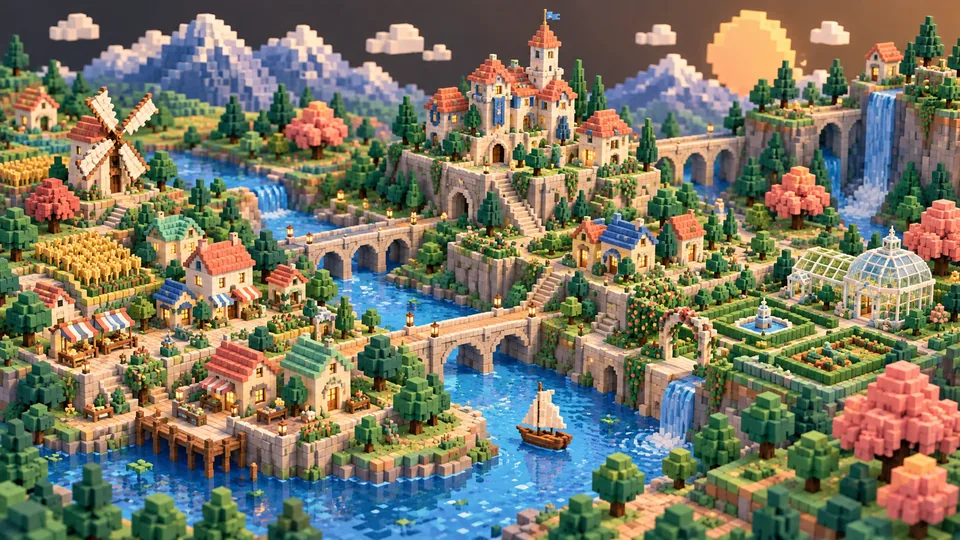
This world is being made. There is no public launch yet.
Strategy & action
Command your battalions, then take control on the ground. A battlefield in the Banan universe.
commander.pattalium.com
Kart combat
Drive an armed banana kart across three little planets. Race three laps, wreck monkey karts, hunt monkes or head off-road and explore.
racer.pattalium.com
Game
A fast lane-runner roguelite about potassium, weaponized peel, and deeply unreasonable monkes.
banan.pattalium.com
Music
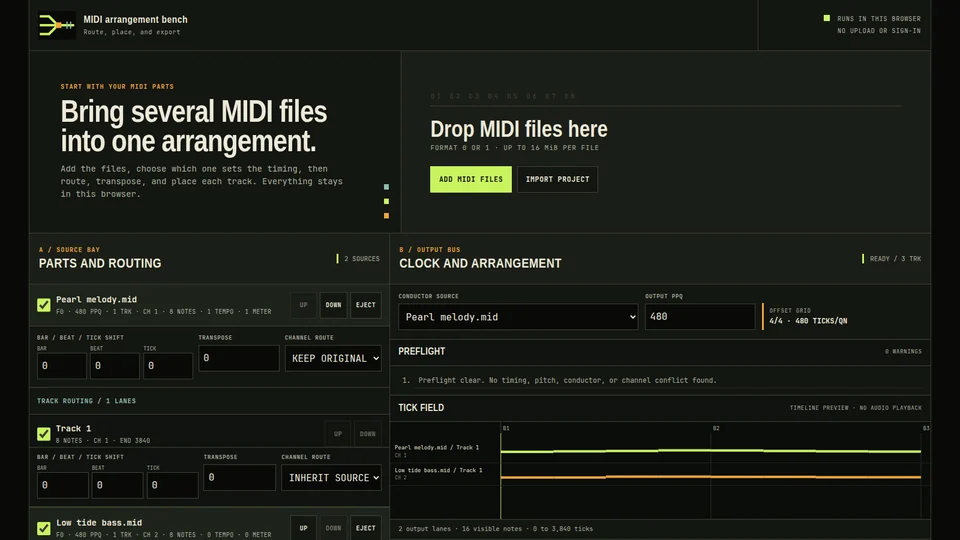
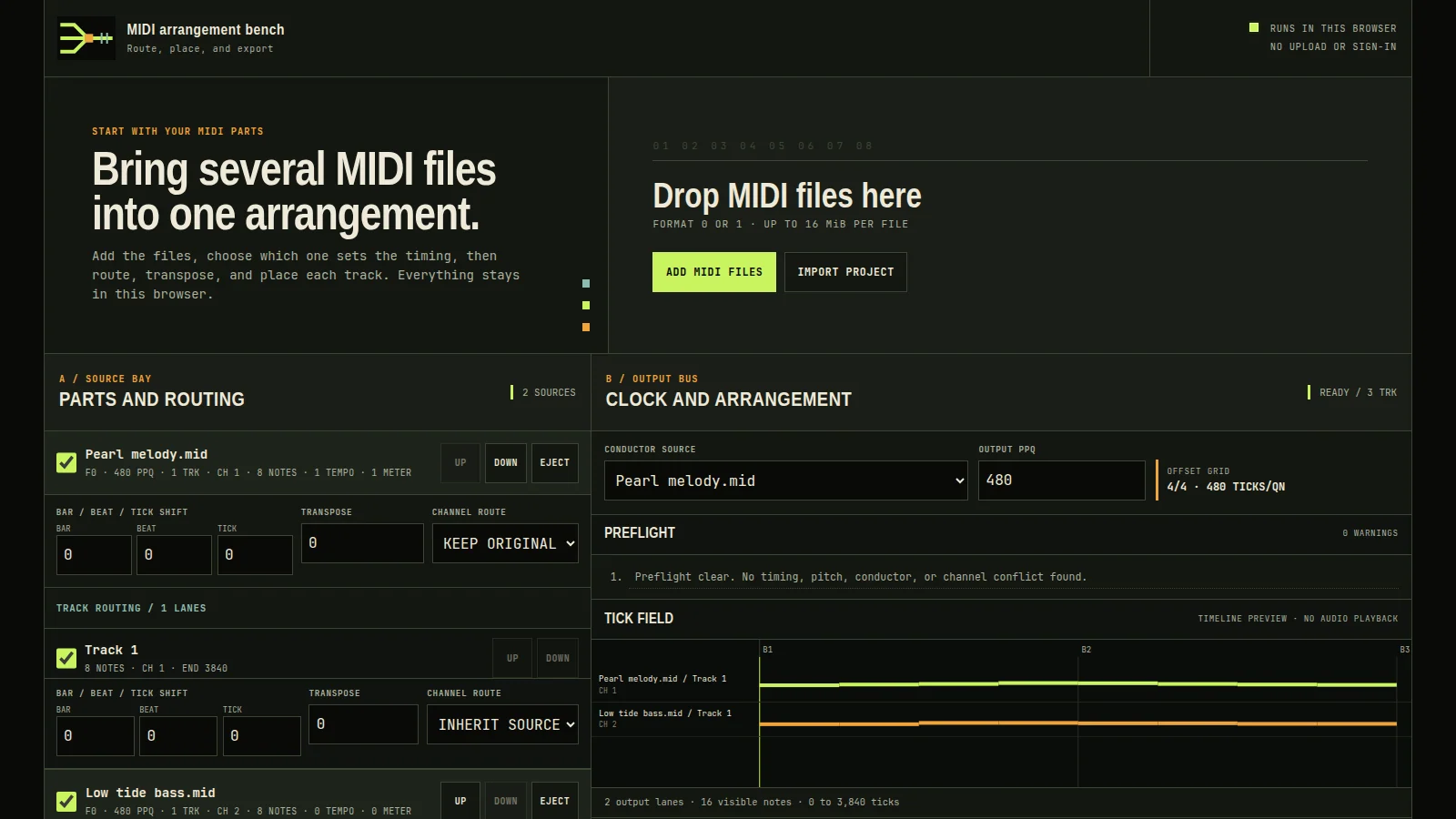
Bring several MIDI tracks together, sort out tempo or channel clashes, listen before saving, and export one clean file.
midi.pattalium.com
Graphics
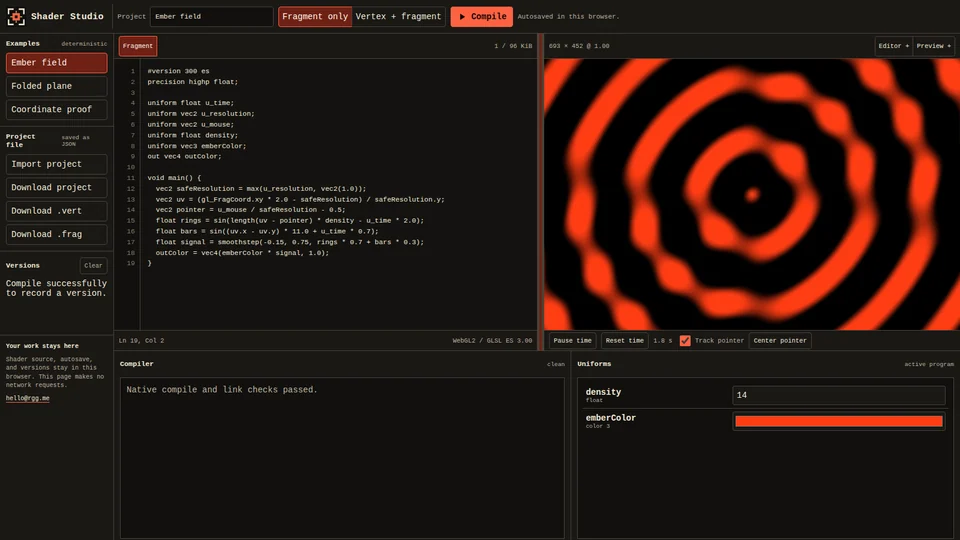
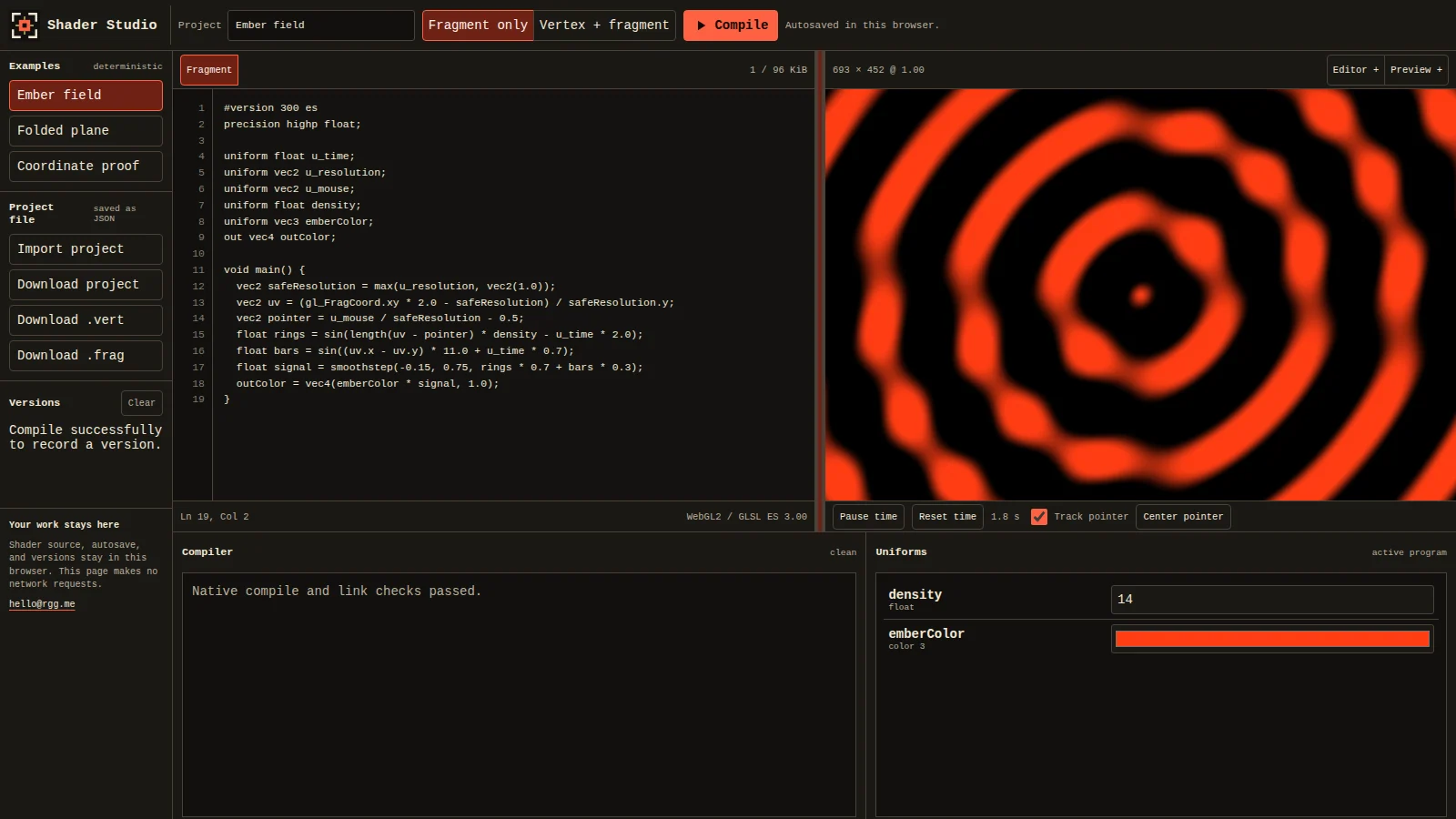
Write WebGL2 shaders and see the result as you type. Errors point to the right line, and you can tune uniforms or return to a saved version.
shader.pattalium.com
Images
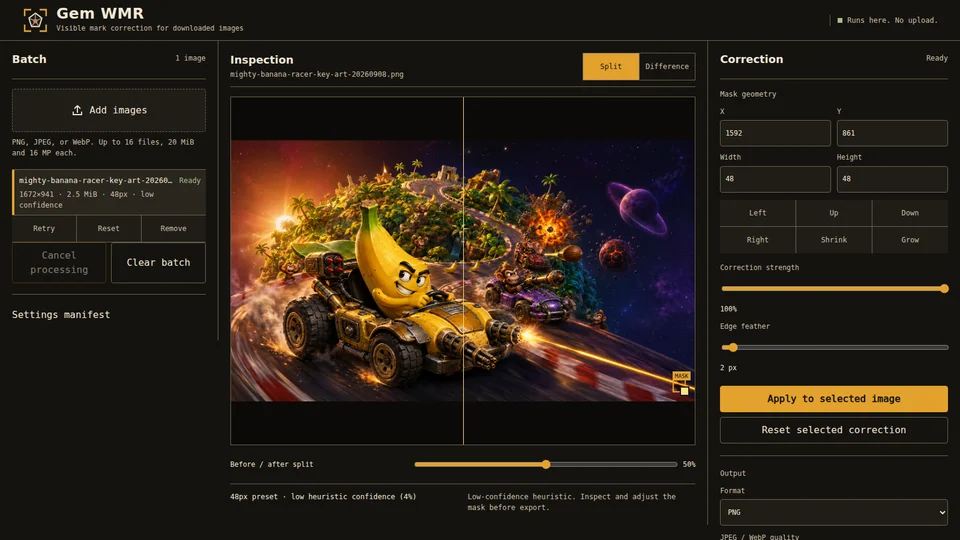
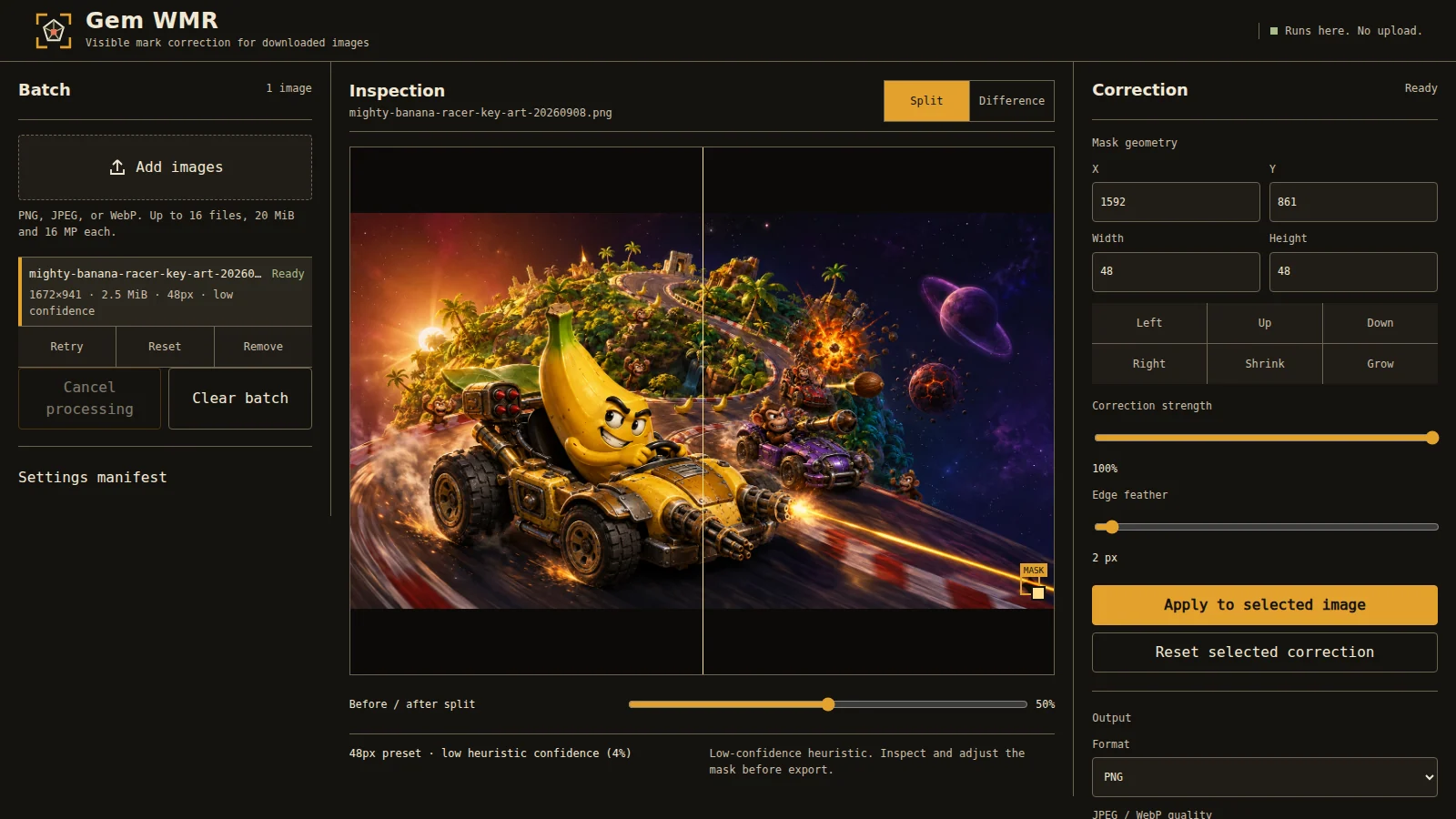
Clean up your own images in the browser. Work in batches, adjust masks by hand, compare the result, and download everything as a ZIP.
watermark.pattalium.com
Music
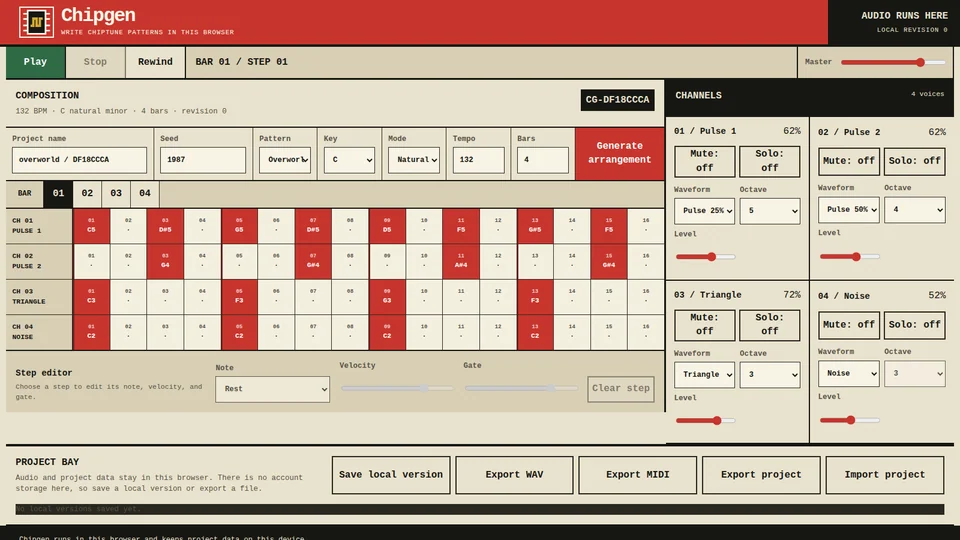
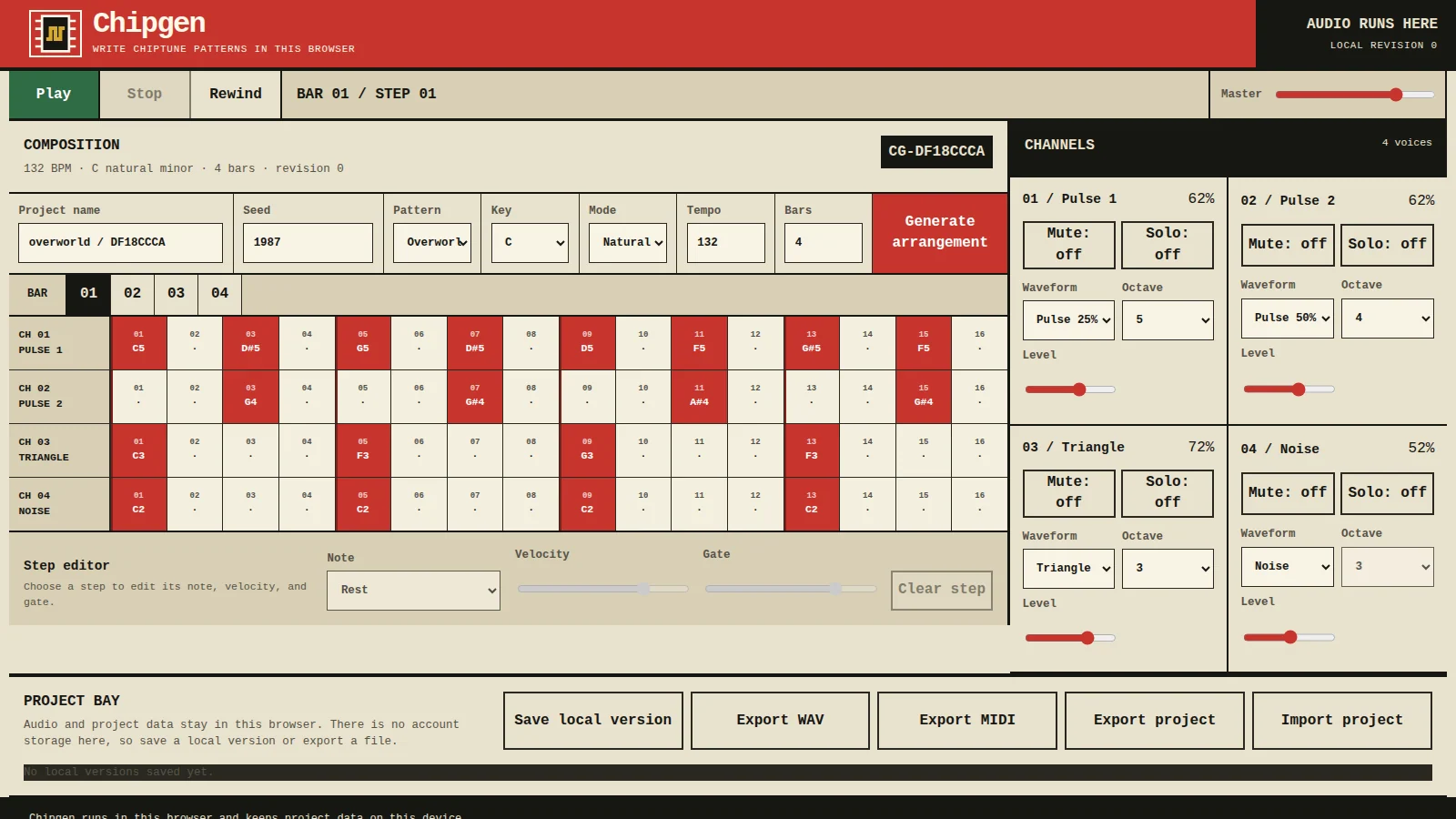
Start with a seeded song, reshape its parts, mute or solo tracks, then save the result as WAV or MIDI.
chipgen.pattalium.com
Music
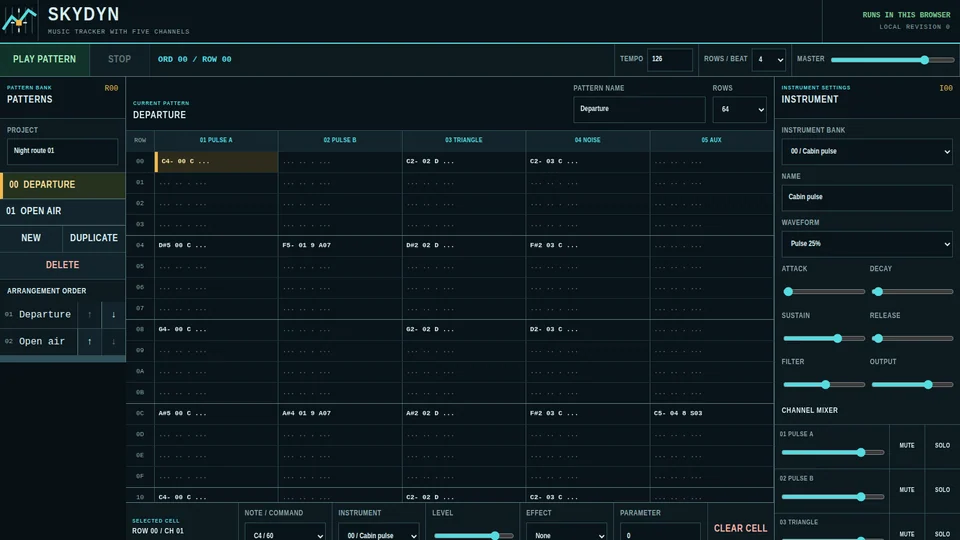
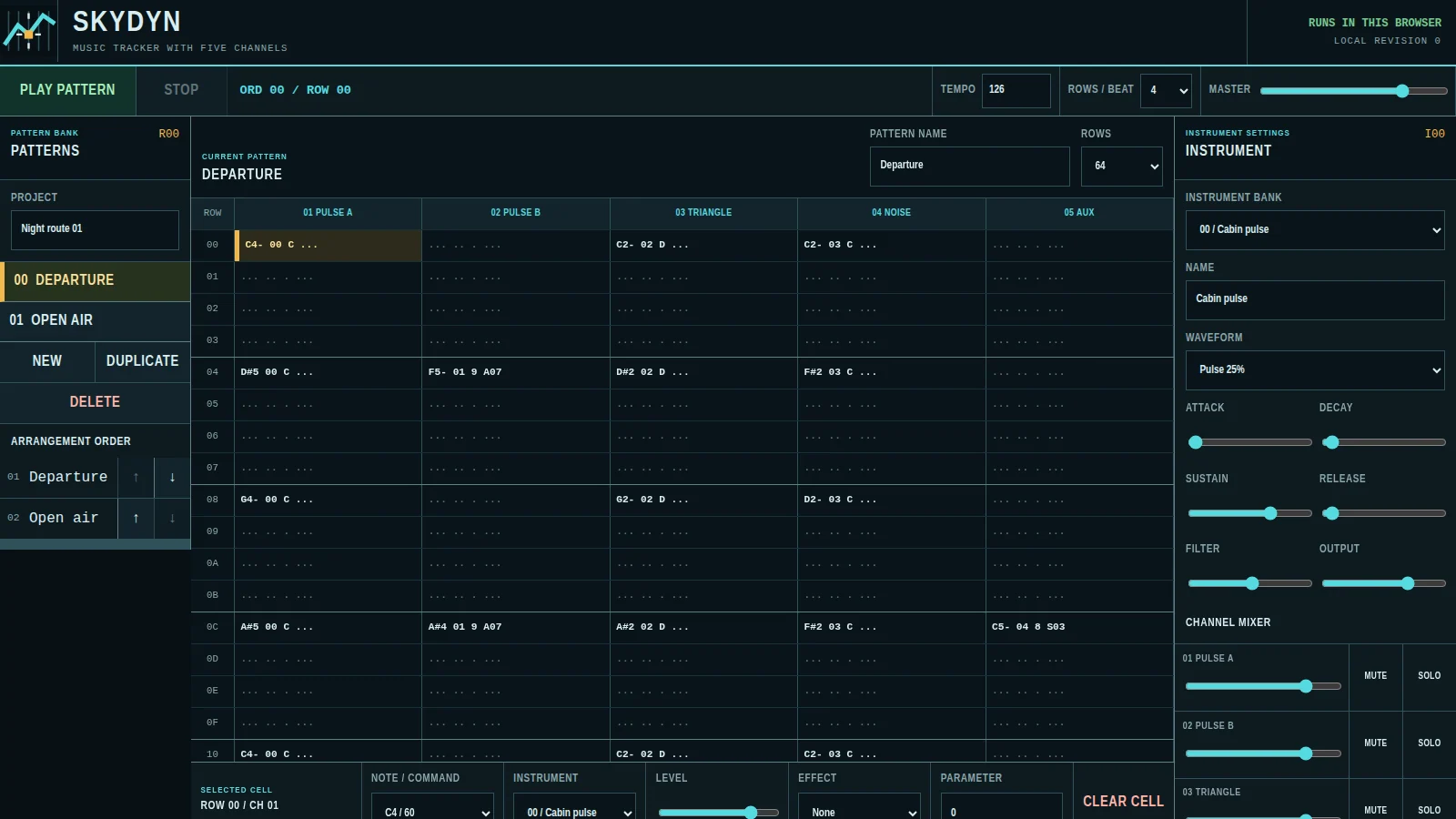
Write tracker music with a MIDI controller or your keyboard. Shape the instruments, undo mistakes, work offline, and export the project or finished audio.
skydyn.pattalium.com
Audio
Finish a track, compare it with the original, check its loudness, reuse your settings, and return to earlier jobs.
masterize.pattalium.com
Beatmaps
Mark the beat, arrange a timed storyboard, preview each transition, and pick up a render from a saved project.
beatmap.pattalium.com
Canvas
Draw with other people on one live canvas. See who is there, move around by touch, undo mistakes, moderate the wall, and replay its history.
pixel.pattalium.com
Community
Talk in rooms, channels, and threads as messages arrive. Your uploads stay with your account, and blocking, notifications, and moderation are built in.
chat.pattalium.com
Game
Adopt a fox, raise it, take on quests, and fight each battle yourself. Events and fair leaderboards give you more to chase.
vixenvalor.pattalium.com
Strategy
Found a settlement in a world that keeps moving while you are away. Build, defend your land, fight battles, and read the reports when you return.
wmo.pattalium.com
Agents
Work with a private Hypernet Agent through conversations and files. Choose how models are routed, set usage limits, and keep an audit trail of the work.
ws.pattalium.com
AI research
Explore documented AI incidents and Pattalium’s proposed responses, from containment to recovery.
fight.pattalium.com
Make it yours
From a first idea to something worth sharing.
Settle in
Set the atmosphere. These choices stay in this browser.
One account across Pattalium
One sign-in for every experience
Manage your profile, security and connected experiences with your Pattalium Account.
Open Pattalium Account Create an accountYour constellation
Return to the worlds you entered from here. History is optional and stays on this device.
Manage local historyEnable recent worlds in System to keep a launch history.
Across the system
Experiences, tools, documentation and system actions.